Motorcycle cockpit
DashConnect
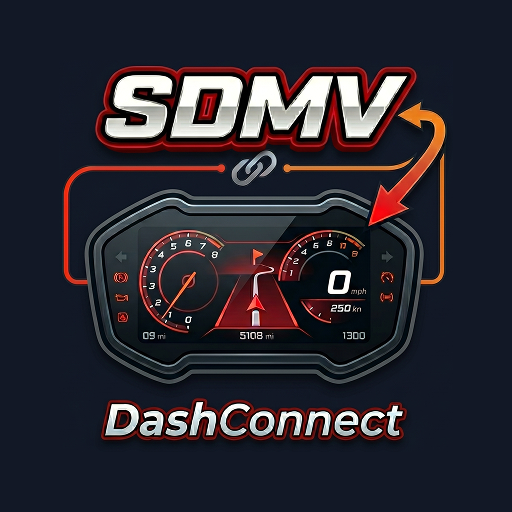
Ride dash, drag timer, garage, weather, notifications, and supported speedometer projection modes.
 SDMV
SDMV
SDMV product studio
SDMV builds practical tools with a local-first mindset: a motorcycle dashboard companion, a mock-location utility, and a private browser PDF toolkit.

Ride dash, drag timer, garage, weather, notifications, and supported speedometer projection modes.
 Testing utility
Fake GPS
Testing utility
Fake GPS
Joystick and route simulation for mock-location workflows.
 Web utility
SleekPDF
Web utility
SleekPDF
Compress and merge PDFs privately in the browser.
Projects
Each SDMV product is built around a workflow that should feel immediate: ride, simulate, or process files without unnecessary setup.
Android
Motorcycle ride dashboard for recording trips, running drag timers, managing vehicles, and projecting clean screens to supported clusters.
Android
Mock-location app for developers, testers, and field workflows that need controlled movement without leaving the desk.
Web
Simple PDF compression and merging that runs in your browser, keeping selected documents off a SleekPDF processing server.
Featured app
The interface favors large metrics, readable overlays, handlebar shortcuts, and ride flows that stay useful when the phone is mounted, tucked away, or connected to a supported speedometer.
GPS speed, recorder, drag timer, history, share cards, and unit preferences for everyday rides.
Register vehicles, add photos, track mileage, and connect supported Yamaha telemetry to vehicle health.
Custom dashboards, music control, weather, notifications, drag race mode, and Google Maps notification-based turn guidance.
Projection support for compatible QJMotor clusters, including navigation display workflows.
Compatibility
Register motorcycles or vehicles locally, attach photos, record rides, run GPS drag timers, and keep history.
XMAX 250/300 V2/V3 and NMAX Turbo Tech Max users can use display streaming and telemetry features where supported.
Tourino 250DX and Fort 250 users can use QJMotor display mode for compatible navigation workflows.
How SDMV builds
Every screen should answer a real use case, whether it is ride information, route testing, or document cleanup.
Large numbers, strong contrast, and restrained layouts matter when people use tools repeatedly.
No SDMV account is required for the core experience. Open the tool, do the job, move on.
Privacy
DashConnect stores ride and vehicle records locally on your device. Fake GPS stores mock-location settings locally. SleekPDF processes selected documents in browser memory instead of uploading them to a SleekPDF file-processing server.
Privacy policy summary
SDMV apps may use device permissions only for their stated product functions, such as Bluetooth display connection, location-based ride features, notification display features, image selection, or local document processing. Analytics and advertising services may collect diagnostic, usage, or ad-related signals according to their own policies.
SDMV does not require users to create an account for the products listed on this page. For privacy questions, contact the developer through the email listed on the product's store page.